
(Ajibade Olasowo John)
Google is rolling out a refreshed search bar in its main Google app, adding a quicker way to attach files, create images, and access AI features. The update also gives two shortcut buttons clearer names, making their functions easier to understand at a glance.
The changes appear on the app’s home screen and seem to be arriving with version 17.65.17 of the Google app. As with many Google feature rollouts, availability may vary by device and region.
A Cleaner, More Capable Search Bar
The updated search bar has a slimmer profile, a white background, a light border, and a subtle shadow. The most noticeable addition is a plus icon on its left side.
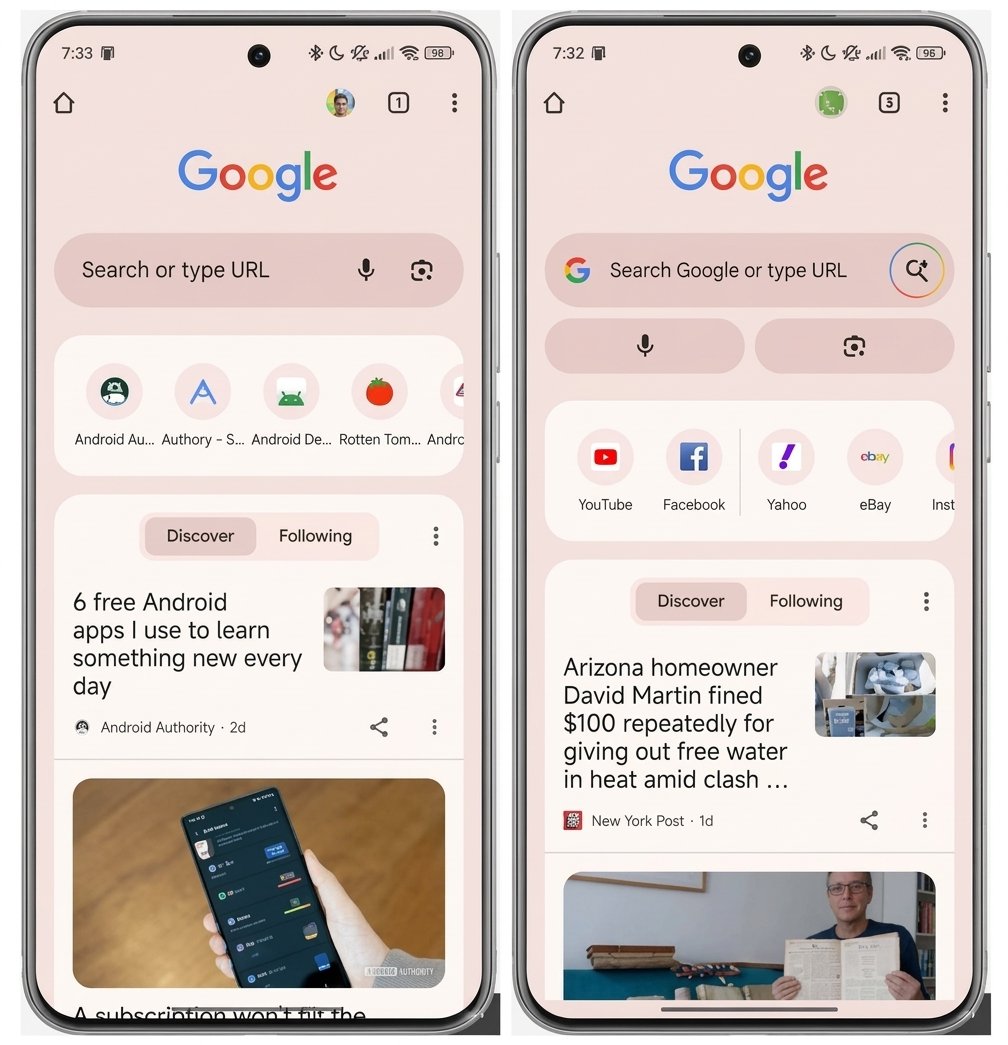
Tapping the icon gives users faster access to image and file uploads, image creation through Nano Banana, and model switching within AI Mode. Previously, users could still attach files, but they had to tap the search bar first before reaching that option.
Clearer Labels for AI Shortcuts
Google has also added labels beneath the search bar for its Nano Banana and Search Live shortcuts. The Nano Banana button is now labelled Create, while Search Live is labelled Talk.
The new wording should help users immediately understand what each button does: Create leads to image generation, while Talk opens Search Live.
Part of a Broader Interface Refresh
The update fits into a wider run of Google interface changes across its Android apps. Recent reports have pointed to adjustments in the Phone app, redesigned pinned chats in Messages, and an updated settings page in the Google app.
Unlike some of those features, the new search-bar design and button labels are already being observed in the latest Google app release, suggesting a broader rollout may be underway.
Source attribution: This article is based on reporting by Android Authority.
